Model Steering — Proving Causation
Steering is the definitive proof of your research. By manipulating specific features during generation, you demonstrate that a feature causally influences model behavior — not just correlates with it.
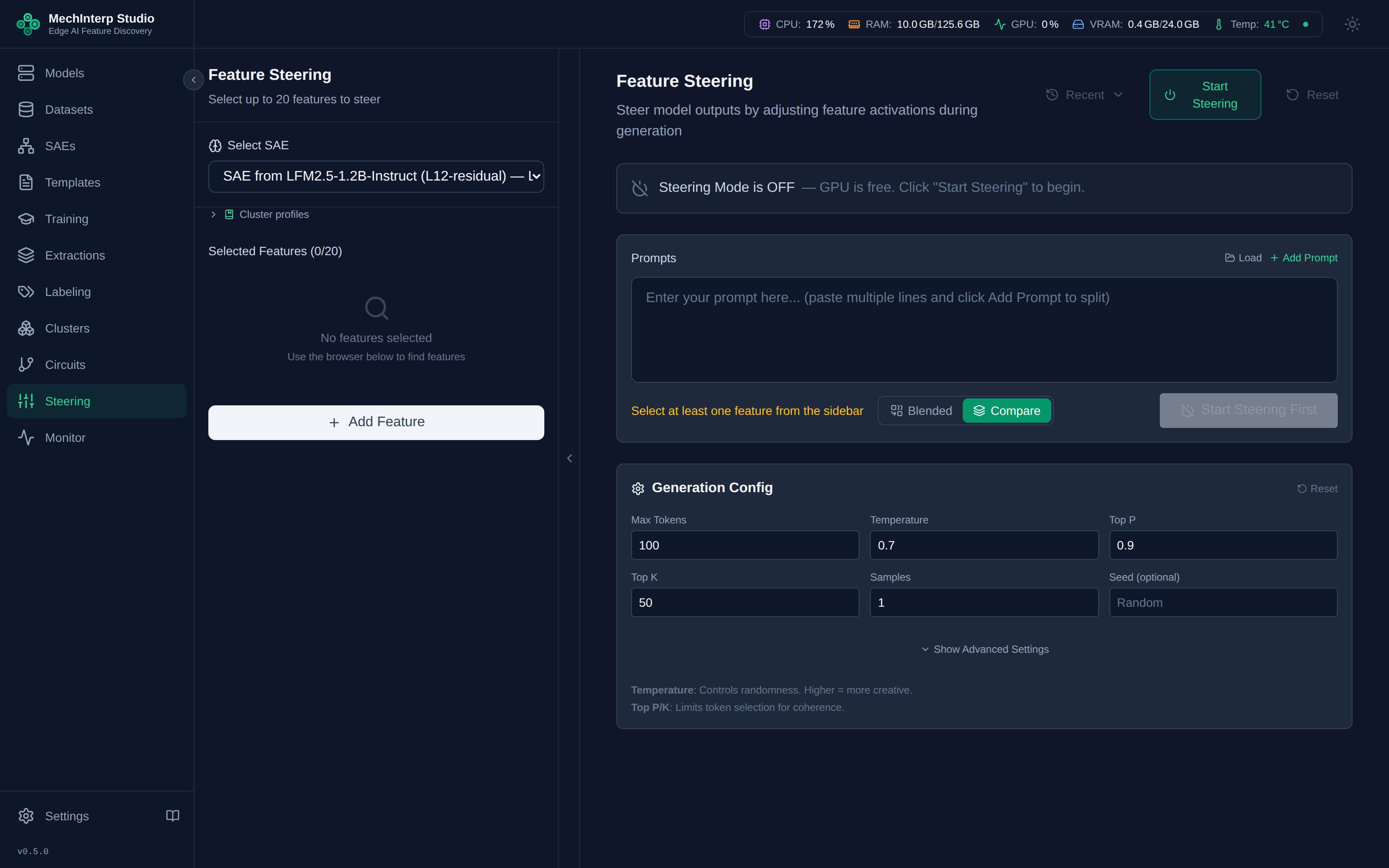
Steering Modes
miStudio provides three distinct steering modes:
| Mode | What It Does | Best For |
|---|---|---|
| Individual | One feature at multiple strengths | Understanding a single feature's dose-response curve |
| Comparison | Multiple features at the same strength, side-by-side | Comparing related features (e.g., "French" vs "German") |
| Combined | All selected features applied simultaneously | Discovering synergistic effects between features |
Strength Values
Steering adds each feature's direction at its layer's residual output, so it refuses MLP, attention,
resid_pre and resid_mid SAEs. See Hook Types and What Accepts an SAE.
Steering strengths are raw coefficients added to the model's residual stream, compatible with Neuronpedia's scale:
| Range | Effect | Example |
|---|---|---|
| 0 | No intervention (baseline) | Unsteered output |
| 0.07 – 5 | Subtle influence | Slight shift in topic or tone |
| 5 – 50 | Moderate effect | Clear behavioral change |
| 50 – 100 | Strong effect | Dominant feature influence |
| 100 – 200 | Very strong | Feature overwhelms other signals |
| 200 – 300 | Extreme | Often causes repetition or collapse |
| Negative | Suppression | Inhibits the feature's concept |
The effective range depends on the SAE and layer. Start with strengths around 5–20 and increase gradually. Values above ±100 frequently cause the model to "collapse" into repetitive or incoherent output.
Each feature supports up to 3 additional strengths tested simultaneously. Set a primary strength and additional values to see the dose-response curve in one generation pass. For example: primary=10, additional=[5, 20, 50].
Generation Parameters
| Parameter | Default | Range | Effect |
|---|---|---|---|
| Max Tokens | 100 | 1–2,048 | Length of generated text |
| Temperature | 0.7 | 0–2.0 | Randomness. 0 = deterministic, 1.0 = creative |
| Top-P | 0.9 | 0–1.0 | Nucleus sampling threshold |
| Top-K | 50 | 0–500 | Vocabulary restriction per token |
| Repetition Penalty | 1.15 | 0.5–2.0 | Penalizes repeated tokens. Increase if output loops. |
| Seed | — | Optional | Set for reproducible results across runs |
The Matrix Testing Workflow
Unlike tools with a single slider, miStudio uses a grid approach:
- Select Features: Add up to 20 features (e.g., "Honesty" + "French Language")
- Add Prompts: Multiple test prompts processed in batch
- Configure Strengths: Set primary and additional strengths per feature
- Include Baseline: Toggle "Include Unsteered" to compare against the natural output
- Execute: miStudio runs all combinations, presenting results in a structured comparison view
Steering multiple features simultaneously is NOT the same as running them separately. "Scientific Tone" + "Excitement" combined may produce different text than either alone. Combined mode reveals circuit behavior where features interact.
Viewing Results
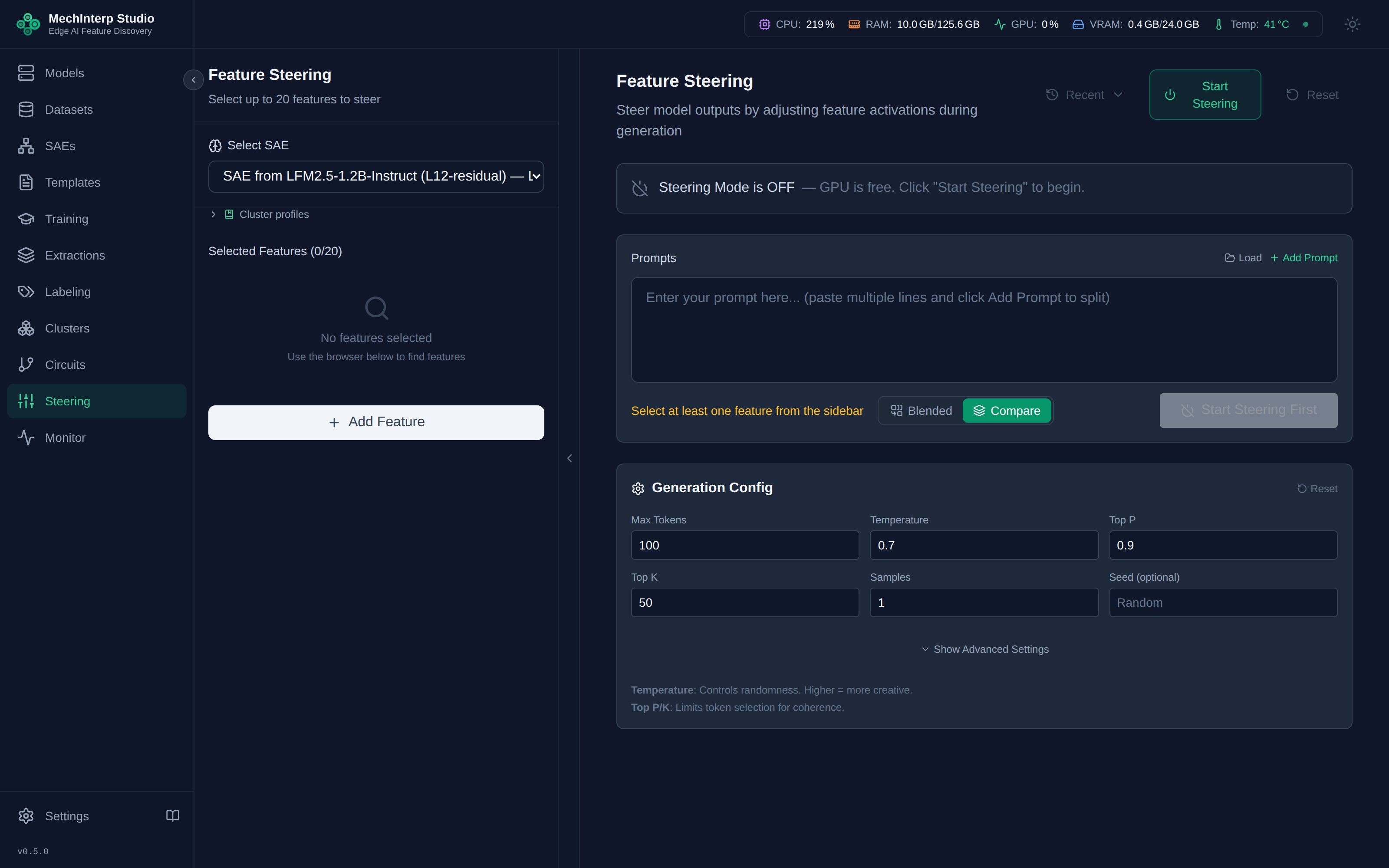
After execution, results are presented in a structured comparison view showing baseline and steered outputs side-by-side with perplexity metrics:
Cluster strength budget
A feature added on its own gets a starting strength from its activation frequency. A whole cluster sent from the Clusters panel, or a circuit loaded into Steering, gets a computed allocation instead: one budget for the cluster, shared out between its members. The calculation runs on the server; the panel only redistributes the budget when you edit a strength.
A single feature's starting strength
S = clamp(2.9 − 2.6 · f, 1.0, 3.0) rounded to 0.1
f is the feature's activation frequency, the fraction of tokens it fires on. Denser features start
weaker. The tile shows an auto badge. A feature with no recorded frequency starts at 10 with a
default badge. The line was fitted on one SAE (LFM2.5-1.2B layer 12, frequencies 0.037–0.484), so
treat it as a starting point on any other SAE.
How a cluster's budget is computed
Each member brings its similarity to the cluster (from the Clusters panel), its activation frequency, and a sign: +1 to boost, −1 to suppress.
| Step | Quantity | Rule |
|---|---|---|
| 1 | Weights wᵢ | wᵢ = sᵢ / Σ sⱼ over similarities. A missing similarity takes the mean of the known ones, and a negative one counts as 0. |
| 2 | Effective frequency f_eff | Σ wᵢ fᵢ / Σ wᵢ, over the members whose frequency is known |
| 3 | Direction budget B_dir | clamp(2.9 − 2.6 · f_eff, 1.0, 3.0): the single-feature line, applied to the cluster. With no known frequency it is the midpoint, 2.0. |
| 4 | Cohesion gain G | ‖Σ σᵢ wᵢ dᵢ‖, the length of the direction actually injected, where dᵢ is the member's decoder column exactly as the steering hook adds it. Identical members give G = 1; members that point apart give less. |
| 5 | Total budget B | min(B_dir / max(G, 0.05)^γ, Σᵢ clamp(2.9 − 2.6 · fᵢ, 1.0, 3.0)). The exponent γ defaults to 0, so B = B_dir, capped at the sum of the members' single-feature strengths (2.0 for a member without a frequency). |
| 6 | Strengths | sᵢ = σᵢ · B · wᵢ, rounded to 0.1. The rounding remainder is handed out 0.1 at a time in weight order, never flipping a member's sign, so `Σ |
Why γ = 0. Dividing by G keeps the injected vector at the single-feature magnitude, which is
what the model was designed around. Validation on real clusters (2026-07-16) found that it overdrove
by about 2×, so the fitted default ignores G for the size of the budget. G is still measured,
shown, and used for the cancellation check.
A cluster of one member with no known frequency starts at 10, as a single feature does.
Flags
| Flag | Meaning | What the panel does |
|---|---|---|
low_cohesion | The cluster's cohesion is below the gate (0.5) | Keeps each member's single-feature strength, shows no budget bar, and says why |
cancellation | Among the N boosted members, the weighted average of their unit-length decoder directions is shorter than 1/√N, so they partly cancel. cancellation_pair names the two most opposed members. Suppressed members are left out of this check | Shows the warning |
cap_bound | The budget was capped at the sum of the members' single-feature strengths | Shows the warning |
default_budget | No member has a known frequency | Shows the warning |
approximate | The decoder could not be read, so G is taken as 1 | Shows the warning |
nonunit_decoder | A decoder column's length differs from 1 by more than 0.1; the frequency line was fitted on unit-length columns | Shows the warning |
uniform_weights | No usable similarity; members share equally | Shows the warning |
inactive_member | A member's weight is 0 (similarity 0), so it gets strength 0 | Shows a warning. Its current wording, "rarely activates", describes frequency, but the flag is about similarity |
grain_limited | The 0.1 strength grain kept `Σ | sᵢ |
Editing strengths, pins and the intensity dial λ
While a budget governs the selection, a budget bar shows Σ |strength| against B, with G beside it.
It turns amber when the strengths exceed the budget.
- Editing a strength pins that member. The rest of the budget,
B − Σ |pinned|, is shared out again between the unpinned members by their weights, and each keeps its sign. When the pinned strengths alone exceedB, the unpinned members drop to 0. A pinned value is never rescaled. - Unpin a member from its tile. It takes a share again at the next edit.
BandGdo not change when you edit strengths.- λ (0–2, default 1) multiplies every strength when the request is sent, rounded to 0.1. Tiles keep showing the unscaled values, and λ = 0 previews the unsteered output.
- A saved cluster profile restores its strengths, budget and λ exactly. The budget is not recomputed.
Constants and the API
POST /api/v1/steering/cluster-allocation computes an allocation without loading the model. The body is
sae_id, 1–20 members (feature_idx, layer, and optionally similarity, activation_frequency,
sign, and a per-member sae_id), plus optional group_cohesion and circuit_id. The answer carries B,
B_dir, G, f_eff, weights, strengths, flags, cancellation_pair, constants_used and
formula_id (freq-budget/sim-alloc@1). It answers 404 for an unknown SAE, 400 for an SAE that is not
ready or an index out of range, and 422 for an SAE recorded at a non-residual hook. A member on a layer
other than its SAE's is 400 in a single-layer request. In a multi-layer request it is 422, listing
every such member, and so is a layer whose members name two SAEs or a request naming more than 8 SAEs.
A multi-layer request is answered per layer: see Per-layer budgets, one dial. Agents call the same computation through the MCP tool compute_cluster_allocation.
The constants a (2.9), b (2.6), m (1.0), M (3.0), cohesion_gate (0.5) and gamma (0) can be
overridden, globally or per SAE, with the backend setting steering_cluster_constants_json:
{"default": {...}, "per_sae": {"sae_…": {...}}}. A value that is not valid JSON is logged and ignored.
Multi-layer circuits — steering across SAEs
Everything above steers features from one SAE at one layer. A discovered circuit, though, spans layers — its members live on the layers each was found on, and each layer has its own SAE. Feature 015 makes steering follow the circuit: every member steers through the SAE trained on its own layer, in a single generation.
The own-layer rule
Each feature carries the SAE it belongs to. When you load a multi-layer circuit into the steering panel, the members arrive with their per-layer SAEs already set — an L13 member steers through the L13 SAE, an L14 member through the L14 SAE, in the same Blended run. You cannot steer an L14-trained feature at L10: that's rejected with a clear message naming the offending member, never quietly served through the wrong decoder (which would inject a direction from the wrong layer's basis — the bug this feature exists to fix).
Per-layer budgets, one dial
The budget model runs independently per layer — each layer gets its own budget bar (total budget B, cohesion gain G, similarity-weighted allocation) computed against that layer's SAE. One global intensity dial (λ) scales the whole circuit at once, so you tune the entire cross-layer behaviour with a single control while each layer keeps its principled starting strengths. The applied-features summary groups members by layer so you can see, and verify, that each one steered through its own SAE.
Hazard warnings — compounding and cancellation
Steering an upstream feature that drives a downstream feature you're also steering makes their influences compound (or, with opposite signs, cancel). miStudio surfaces this before you generate — an amber banner listing the pairs — but never silently corrects it; you decide.
The warning is as strong as the evidence:
- If the circuit has a validated edge between the pair (a rung-2 edge that survived causal validation), the warning is quantified from the measured effect size — "validated edge, ES=0.8 — combined influence ≈ higher than the naive sum."
- If there's no validated edge, a weight-prior heuristic (how aligned the upstream feature's output direction is with the downstream feature's input direction) still warns — but every such warning is explicitly labeled
heuristic, never presented as causal. It's a hint to check, not a proven mechanism.
This is the payoff of the whole circuits arc: the same validated evidence that earns a circuit its rung-2 badge is what makes the steering hazard warning trustworthy instead of a guess.
Each distinct SAE the circuit references loads onto the GPU (~130 MB for an 8k-feature SAE). A typical two- or three-layer circuit adds well under a gigabyte; only the SAEs the circuit actually uses are loaded, and exiting steering mode frees them all.