Auto-Labeling — Interpreting Features at Scale
With 8,000–131,000 features, manual labeling is impractical. miStudio's auto-labeling system uses LLMs to interpret each feature from its activation examples.
miStudio provides two labeling paths:
| Path | Scope | When to Use |
|---|---|---|
| Bulk Auto-Labeling (this page) | All features in one job | Initial survey — generate a name + category for every feature quickly |
| Enhanced Labeling | One feature at a time | Deep analysis — structured two-pass interpretation with full reasoning notes |
Bulk Auto-Labeling
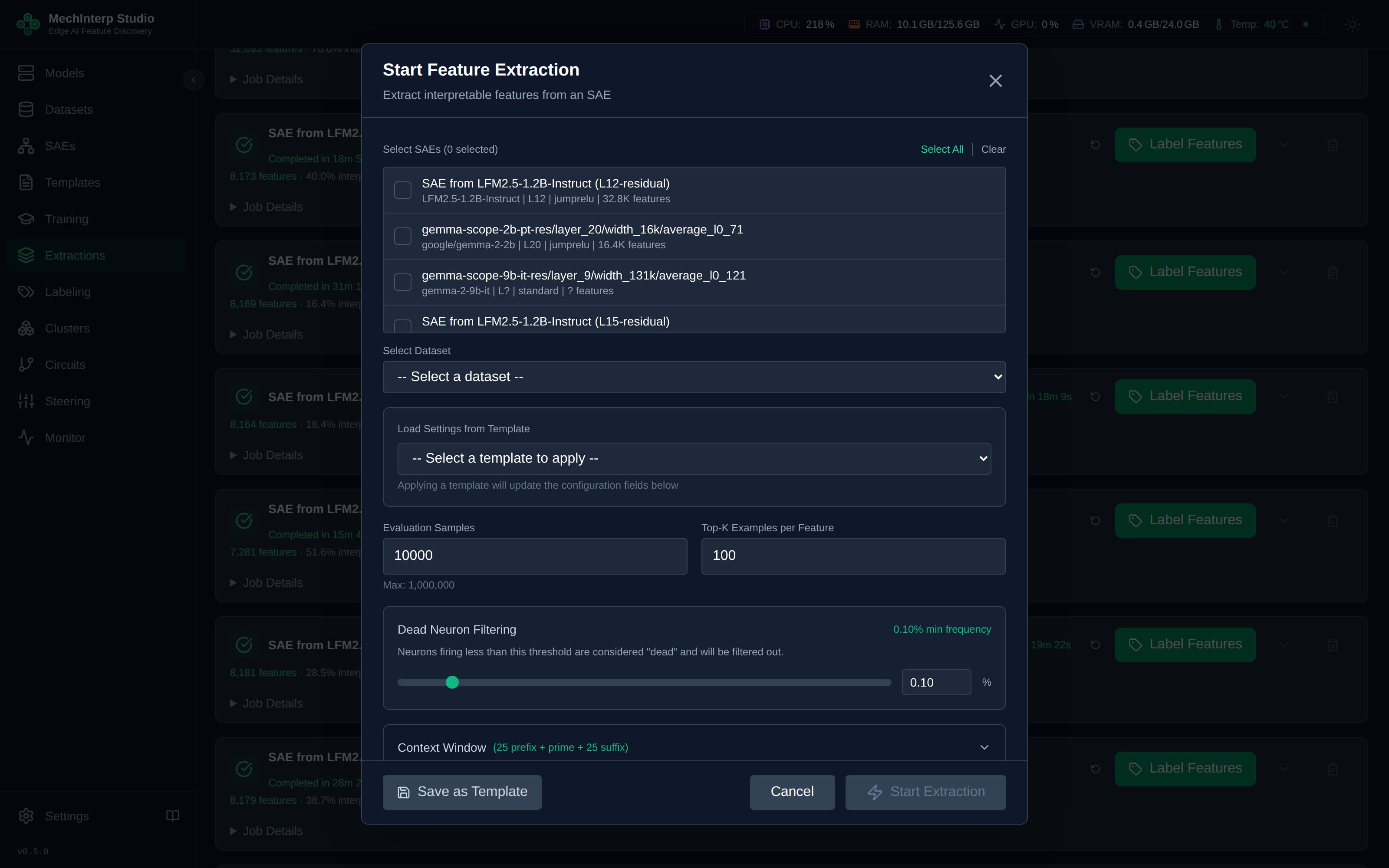
Four Labeling Methods
| Method | Cost | Speed | Privacy | Best For |
|---|---|---|---|---|
| OpenAI | $$$ | Fast | Cloud | Highest quality labels. gpt-4o-mini is cost-effective. |
| OpenAI-Compatible | Free–$ | Variable | Local/Cloud | Local models via Ollama, vLLM, miLLM, or any OpenAI-compatible API |
| Local | Free | Slow | Full | HuggingFace models loaded directly. Complete privacy. |
| Manual | Free | Slowest | Full | Human-provided labels for verification or correction |
To use the OpenAI method, set your API key once in Settings → API Keys. It is stored encrypted at rest (AES-256-GCM) and auto-used by all labeling jobs — you don't need to re-enter it per job.
The most flexible option. Point it at any OpenAI-compatible API:
- Ollama:
http://localhost:11434/v1(local, free) - miLLM:
http://millm-backend:8000/v1(local, free, GPU-accelerated) - vLLM:
http://localhost:8000/v1(local, high throughput) - Together AI, Fireworks, etc.: Cloud providers with OpenAI-compatible APIs
Save your endpoint and model once in Settings → Endpoints, then select it when starting a labeling job.
Labeling Configuration
| Parameter | Default | Range | Effect |
|---|---|---|---|
| Batch Size | 10 | 1–100 | Features labeled in parallel. Higher = faster but may overwhelm local models. |
| Max Examples | 25 | 10 – what the extraction stored | Activation examples shown to the LLM per feature. More = better context but longer prompts. |
| Max Tokens | 300 | 50–8,000 | Maximum response length from LLM. Increase for reasoning models that use <think> tags. |
| API Timeout | 120s | 30–600s | Request timeout. Increase for large local models. |
The ceiling is the extraction's Top-K Examples setting — you cannot show the judge evidence that was never stored. The form states the stored count ("This extraction stored 25 per feature") and offers a one-click Use all N, so the number you pick is never a guess.
Asking for more than exists is not an error; the query simply returns what is there. Bounding the control is what stops a request for 50 against a stored 25 from quietly delivering 25.
Examples are selected strongest-first, so raising this value reaches deeper into a feature's activation range rather than changing which examples sit at the top.
Models like LFM2.5-Thinking or DeepSeek-R1 produce <think>...</think> tags before their answer. miStudio automatically strips these. Set max_tokens to 1,000–2,000 to ensure the actual answer isn't truncated after the thinking phase.
Protecting Enhanced Labels
If you have used Enhanced Labeling on specific features, those features display an aqua star (🔵). Bulk auto-labeling jobs automatically skip aqua-starred features — so a bulk run won't overwrite your carefully enhanced labels.
Features receiving new bulk labels show no star or a label-source badge indicating the labeling method used.
Labeling Progress & Results
Once a labeling job is running, track progress in real-time:
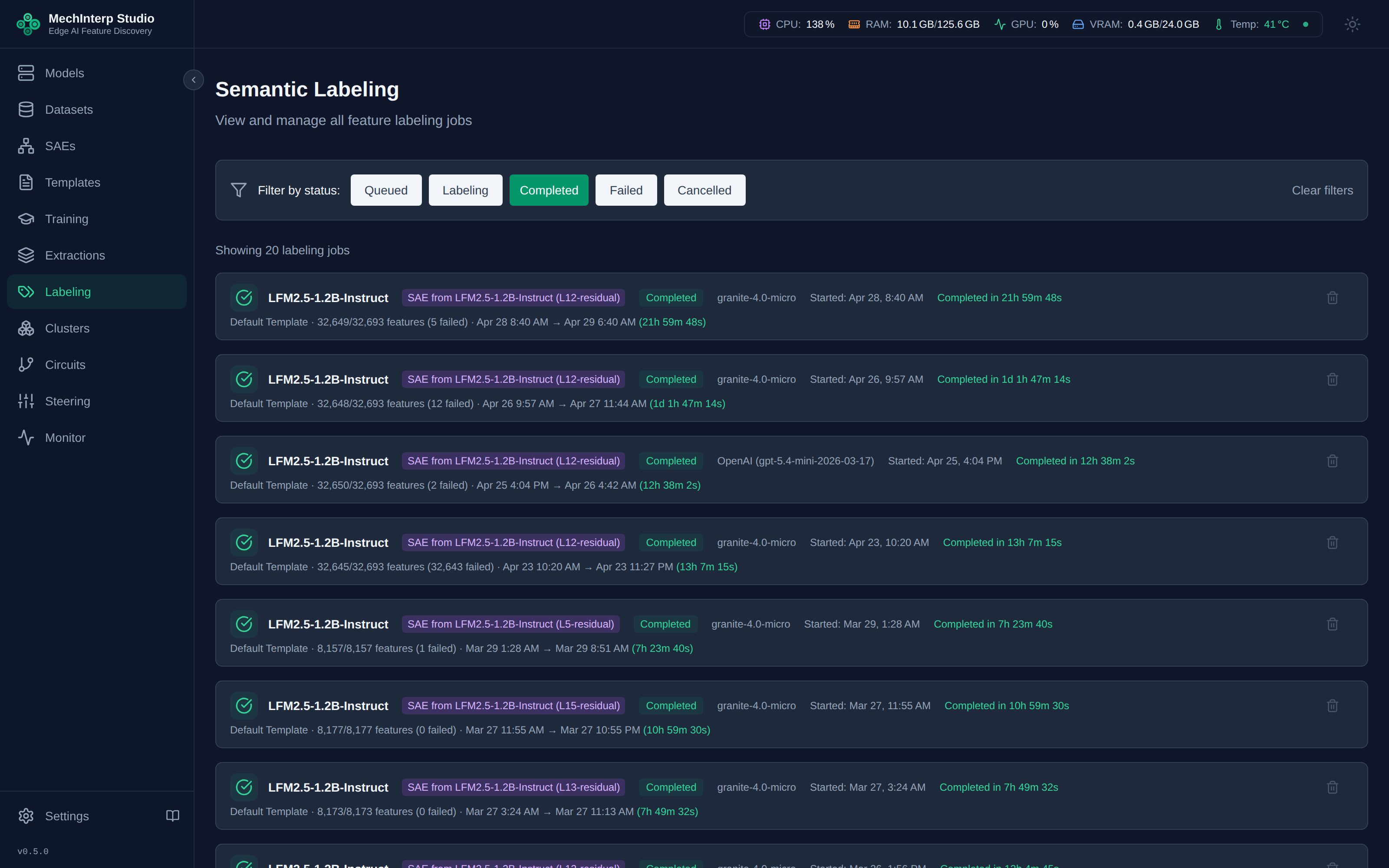
Browse completed labeling results across all jobs:
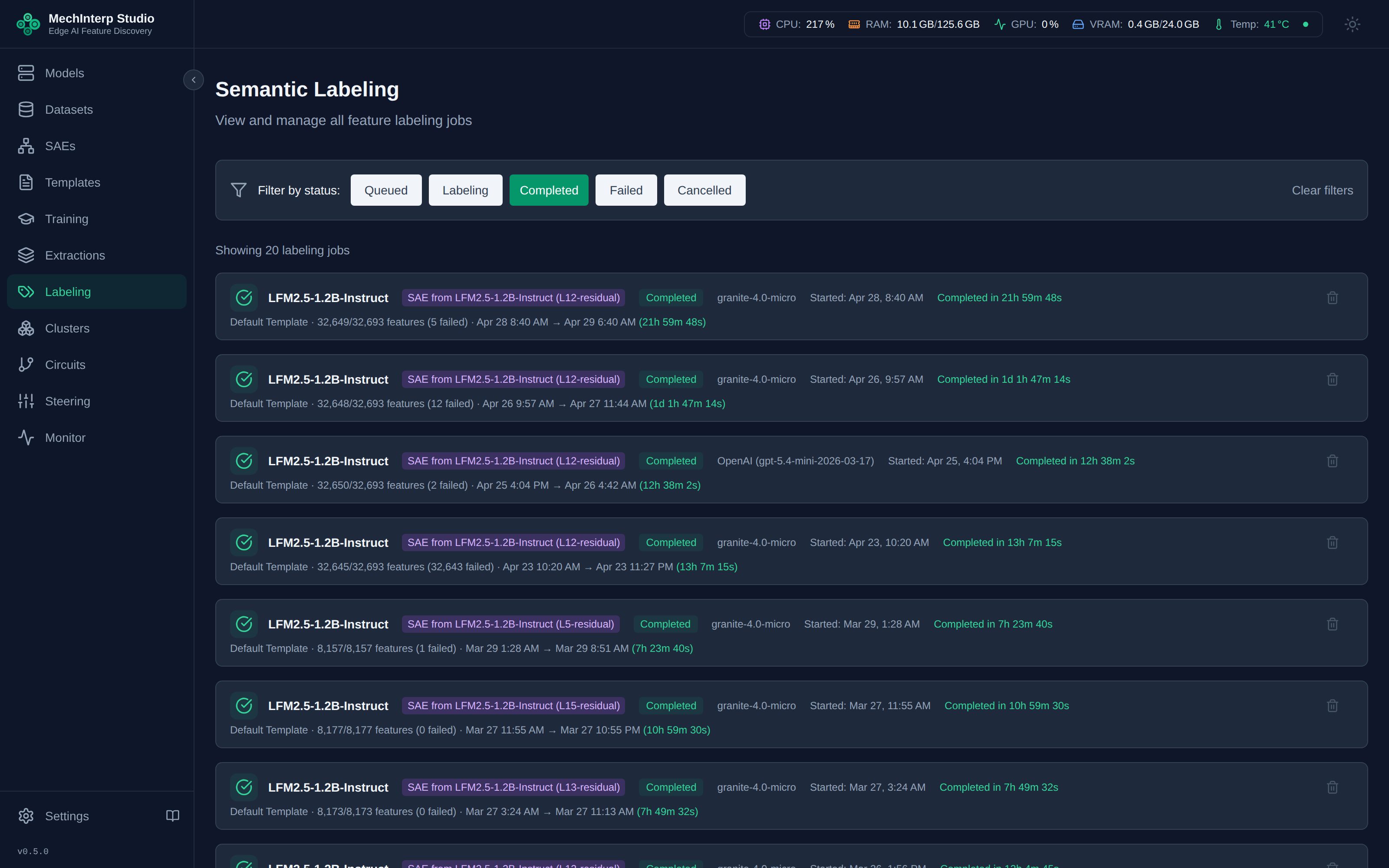
Knowing What Is Left — Coverage and Resume
Labeling a 53,000-feature extraction takes days and gets interrupted. Every completed extraction card now carries a coverage strip answering the question that used to require SQL: what still needs doing?
████████████░░░░░░░░░░░░░░░░░░░░░░░░
227 adjudicated · 14,560 failed · 38,301 not attempted
- Adjudicated — a verdict exists. This includes features the judge honestly found uninterpretable, which is a result, not a gap. Redoing them costs ~8 seconds each to reach the same answer, so a resume never offers them.
- Failed — the judge ran and crashed. These are retried.
- Not attempted — the judge never ran.
- In progress — claimed by a job running right now.
The outcome of a labeling attempt was not recorded anywhere. A failure was
written as a fake label — category: error_feature, name: feature_1234 —
with the label source and timestamp both set, so it looked finished to every
count in the product. 16,824 failures across the estate looked complete, and
one extraction had carried 2,161 of them since April.
Why the failures failed
Expand Why N failure reasons under the strip to see what actually went wrong, grouped by cause, with a real example feature for each:
| count | reason |
|---|---|
| 14,102 | APIError — e.g. feat_…_00019 |
| 431 | rate limited by the judge endpoint |
| 27 | (no reason recorded) |
(no reason recorded) means the failure predates per-feature error capture.
Every failure written from now on keeps its reason.
Try 20 first
Retrying 14,560 failures is roughly 32 GPU-hours. Try 20 first retries twenty of them — about three minutes — and the coverage strip then tells you whether they still fail.
The sample is drawn from failures alone, deliberately. "Do these still fail?" and "does the judge work at all?" are different questions, and a mixed sample of twenty answers neither.
On the L46 extraction the sample came back 20/20 recovered — the failures were a context-overflow since fixed. But 18 of 20 returned uninterpretable, so retrying the rest buys roughly 1,450 real labels plus 13,100 permanent adjudications. Worth knowing before spending the thirty-two hours, not after.
Resume
Resume on a finished labeling job labels only what still needs it, using that job's own model and template. The button states what the click does, not the backlog:
- Resume 2,000 of 52,857 — one batch of two thousand, about 4.4 hours
- Resume (14) — when a single batch finishes the job
A batch is capped at 2,000 features because Celery's soft limit is ten hours and labeling measures ~8 seconds per feature.
Resume all — sweeping many batches
Resume all (27 batches) runs batches back to back until the extraction is done or the ceiling is reached. It always asks first, and states the cost:
27 batches, about 117 GPU-hours. Continue?
A running sweep shows Sweeping — batch 3 of 27 with a Stop button.
Stopping is cooperative: the batch in flight finishes — up to 4.4 hours — and
nothing further is queued.
max_batches is required everywhere: the UI, the API and the MCP tool. A sweep
is hours of GPU time per batch, and starting an open-ended one by omitting a
parameter is not possible.
Filling gaps on a full-extraction job
The Skip features that already have a label checkbox on a new labeling job labels only features never attempted or previously failed. It is off by default — pressing Label without touching it relabels everything, exactly as it always has.
When a template changes
A label records which judge produced it — a fingerprint of the prompt and its parameters, plus the model. Edit a template and the affected verdicts become stale, shown on the coverage strip and re-adjudicable on request. A routine resume never touches them.
The Label System
Every feature receives:
- Name: A descriptive slug (e.g.,
legal_precedent_citation,source_attribution_from) - Category: A high-level classification (e.g.,
semantic,syntactic,positional,discourse) - Description: (Enhanced labeling only) One precise sentence grounding the pattern
- Notes: (Enhanced labeling only) Full reasoning + per-example summary table
Labels track their provenance — whether they came from OpenAI, a local model, enhanced labeling, or manual editing — enabling quality comparison across methods.
Prompt Templates
The quality of bulk labels depends heavily on what you ask the LLM to do. miStudio ships with several system templates, and you can create custom ones.
The Context-Aware Template (Recommended)
The built-in "Context-Aware Labeling (Semantic Pattern)" template produces noticeably better labels by shifting the LLM's frame from token-naming to semantic pattern recognition.
Standard templates ask: "What token does this feature fire on?"
This produces labels like article_the or preposition_from — technically accurate but informationally shallow.
Context-Aware template asks: "What is semantically happening across ALL these examples?"
This produces labels like definite_reference_introduction or source_attribution_legal — names that tell you what the feature means, not just where it fires.
Many features fire on common tokens (the, and, of) but encode completely different things. The preposition from can encode source attribution, temporal origin, departure point, or comparison contrast — these are separate features that need separate names. The context-aware template reliably finds these distinctions.
To use it: in the Start Labeling dialog, select "Context-Aware Labeling (Semantic Pattern)" from the Template dropdown.
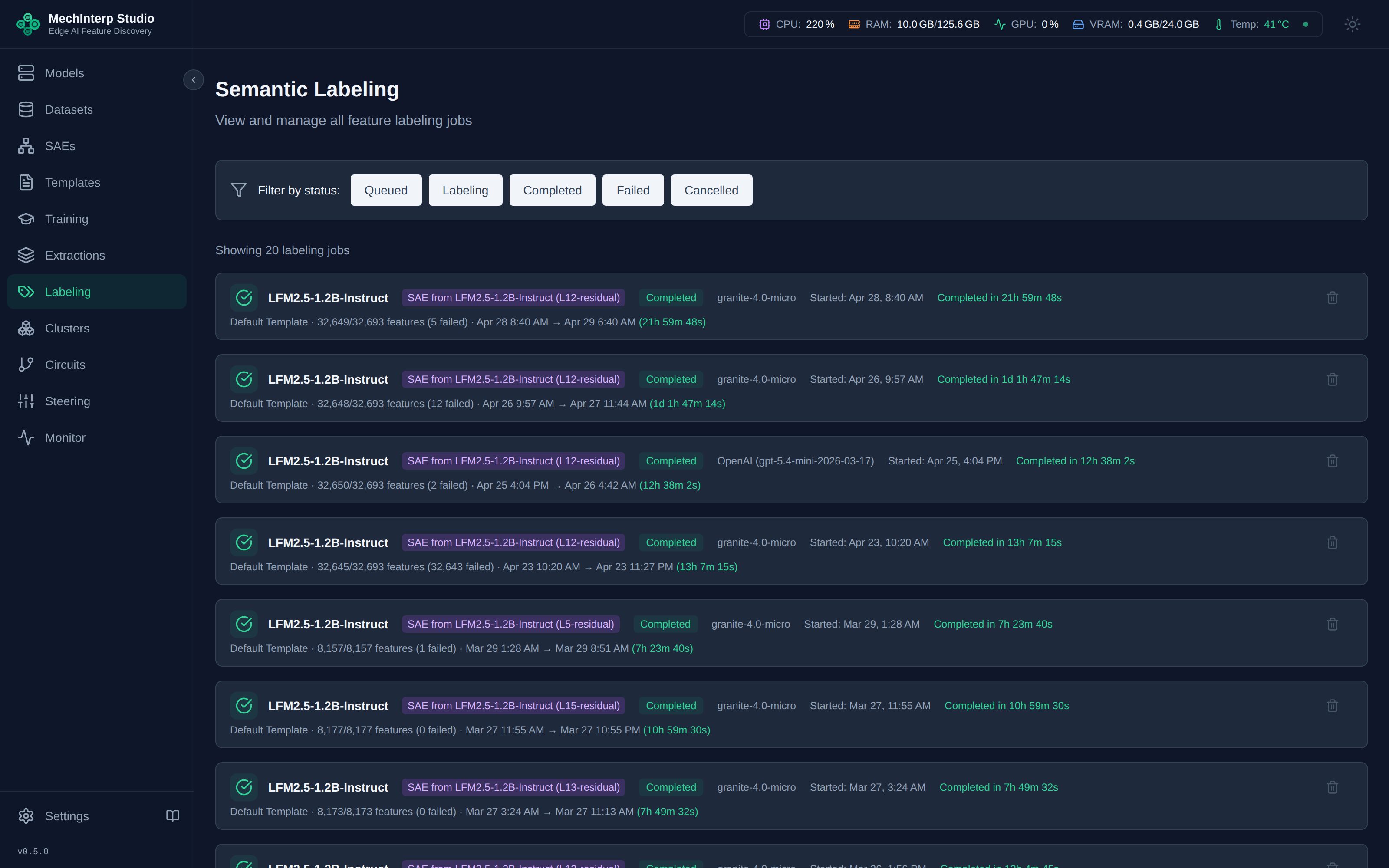
Creating Custom Templates
In Labeling → Templates, you can:
- Create templates with custom system and user prompts
- Use
{examples_block}to inject full context windows (prefix + token + suffix per example) - Set temperature, max tokens, and include/exclude negative examples
- Save and reuse across labeling jobs
See The Template Ecosystem for full details.