Multi-GPU Support
miStudio runs happily on a single GPU. On a host with several, it monitors every card and lets you choose which card each GPU job runs on. This page describes what works today and what is planned — honestly.
What Works Today
Per-GPU monitoring
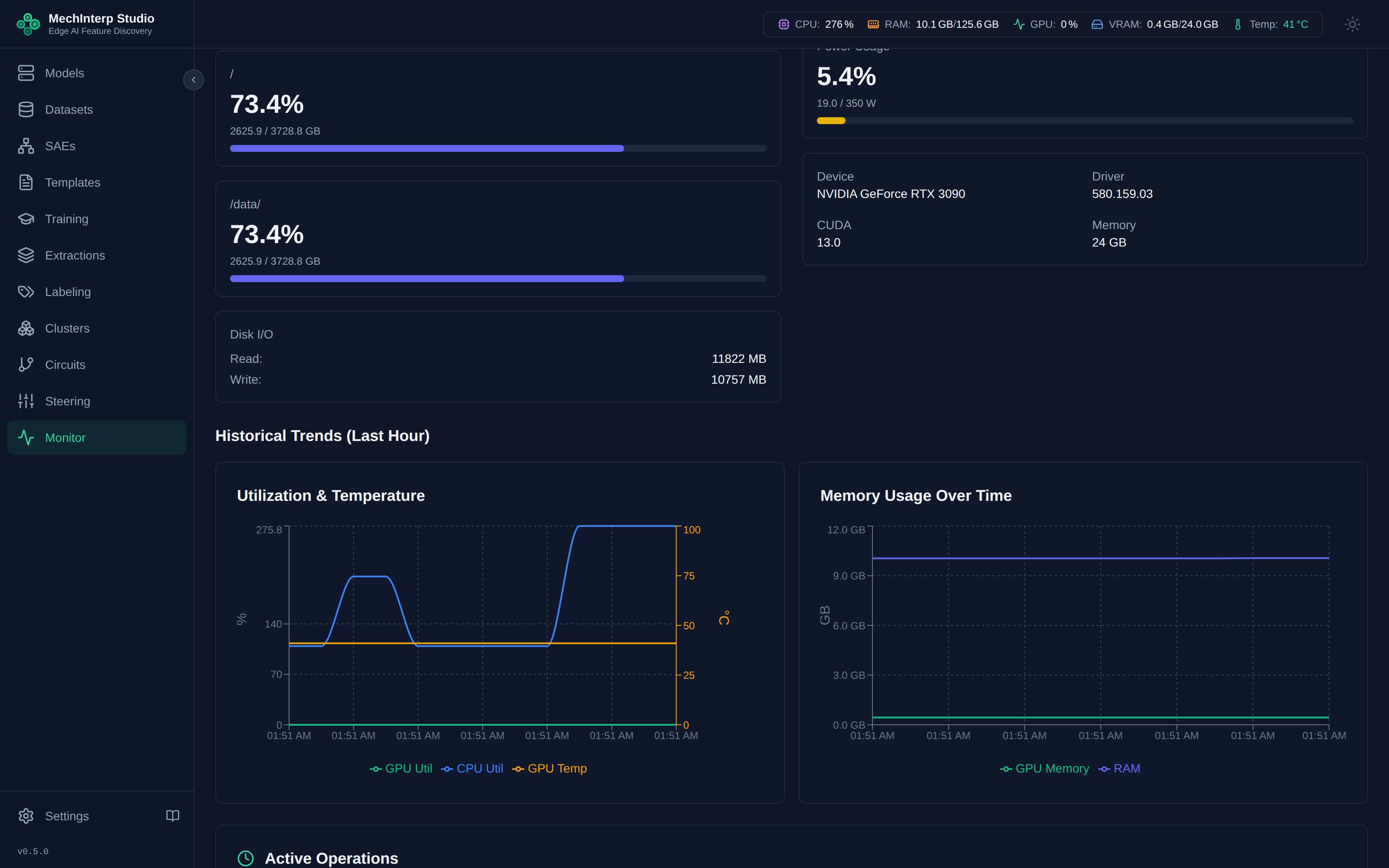
The Monitor page discovers all CUDA devices and streams per-GPU metrics (utilization, memory, temperature, power) every 2 seconds over WebSocket. A view-mode toggle switches between an aggregated view and per-GPU charts.
Under the hood, each GPU has its own WebSocket channel (system/gpu/{id} — see the WebSocket reference), and the REST API exposes gpu-list, gpu-metrics, gpu-info, and gpu-processes endpoints for scripting. GET /system/all without a gpu_id returns every card; it no longer assumes card 0.
Choosing the GPU for a job
Every job that loads a model onto a GPU accepts a gpu field in its API request (and its MCP tool). These forms have a GPU picker: SAE training, activation extraction, SAE feature extraction, J-lens readouts, fits, acquisitions and interventions, circuit capture, attribution, validation and its reproduction, faithfulness and calibration, steering, local-model labeling, and model download (quantizing loads the model). The logit lens and the Neuronpedia export have no picker yet and run on Auto from the UI.
"auto"(the default) runs on the card with the most free memory when the job starts.- A GPU UUID from
GET /system/gpu-listruns on that card. An index is accepted too and is turned into the card's UUID when the job is submitted, because an index names a different card once another card is added. - A named card that cannot take the job is refused, never swapped for another. An unknown card is a 400 before anything is queued.
Each job records what it asked for (gpu_request) and the card it actually ran on (gpu_uuid). Retrying a training or resuming a local labeling job asks for the same card again.
GPU watchdog
A background watchdog task (scheduled via Celery Beat) monitors for zombie GPU processes — for example, a steering worker that died without releasing memory — and cleans them up. This is what keeps long-running deployments from slowly leaking VRAM.
GPU jobs can take hours or days. Redis stores the task queue; Celery workers execute tasks. Queue 5 extraction runs, close your browser, and check results in the morning — research continues on the backend.
What Is Planned (Not Yet Implemented)
For transparency, these items appear in the roadmap (0xcc/plans/Multi-GPU-Plan.md) but are not in the current release:
| Capability | Status |
|---|---|
| Splitting one model across several cards | Planned (Phase 2) — until then a model larger than any single card is refused |
| Scheduling one job per card | Planned (Phase 3) |
| Distributed data-parallel (DDP/NCCL) training across GPUs | Planned (Phase 4) |
| Persisted GPU metrics history in the database | Planned — metrics are currently live-stream only |